RelayCue Link
Presenter clicker
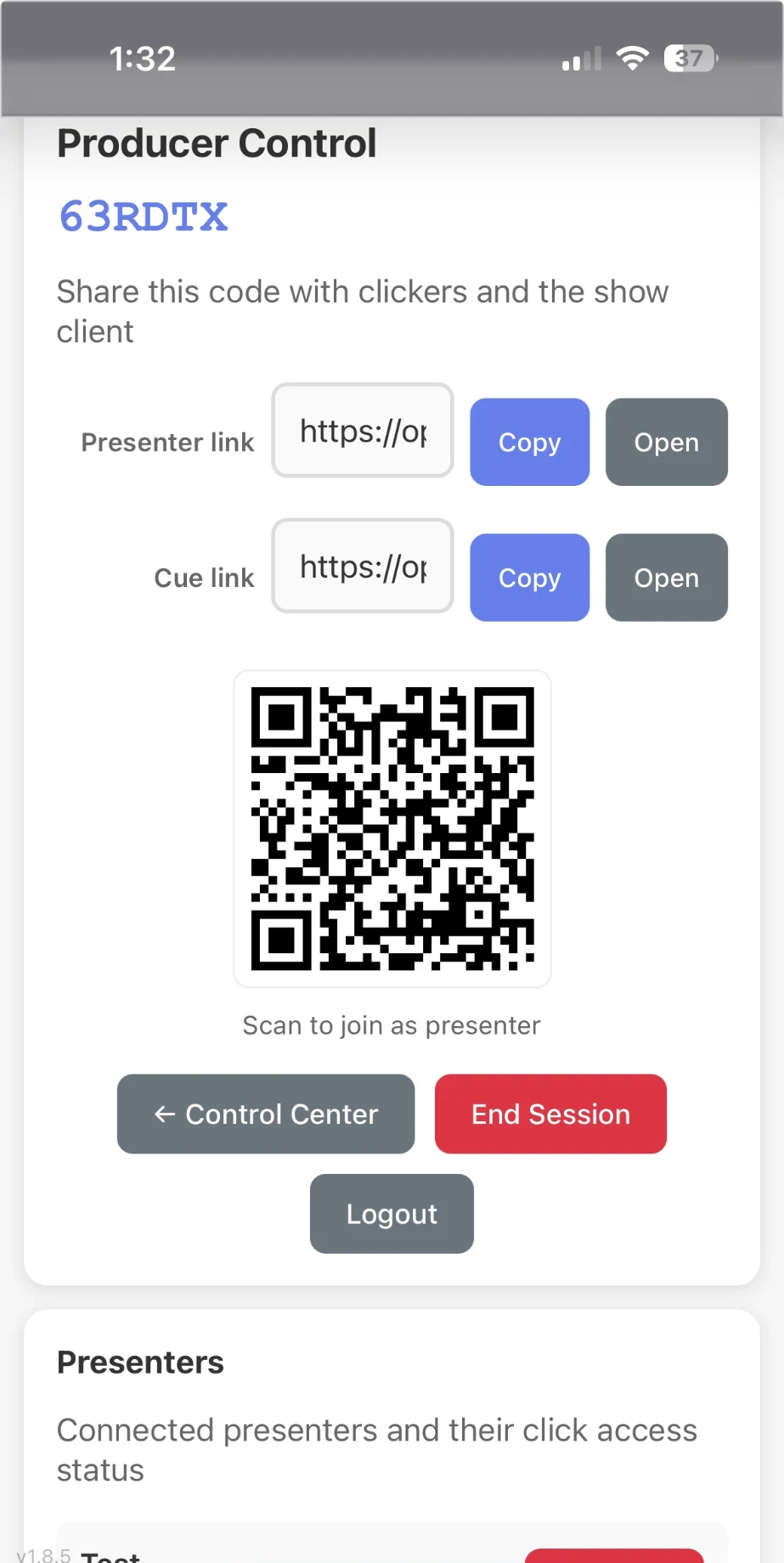
Producer control
SlideRelay turns any phone or browser into a wireless clicker for PowerPoint, Keynote or any window, with speaker notes, a live slide preview and a producer who keeps the show on track.
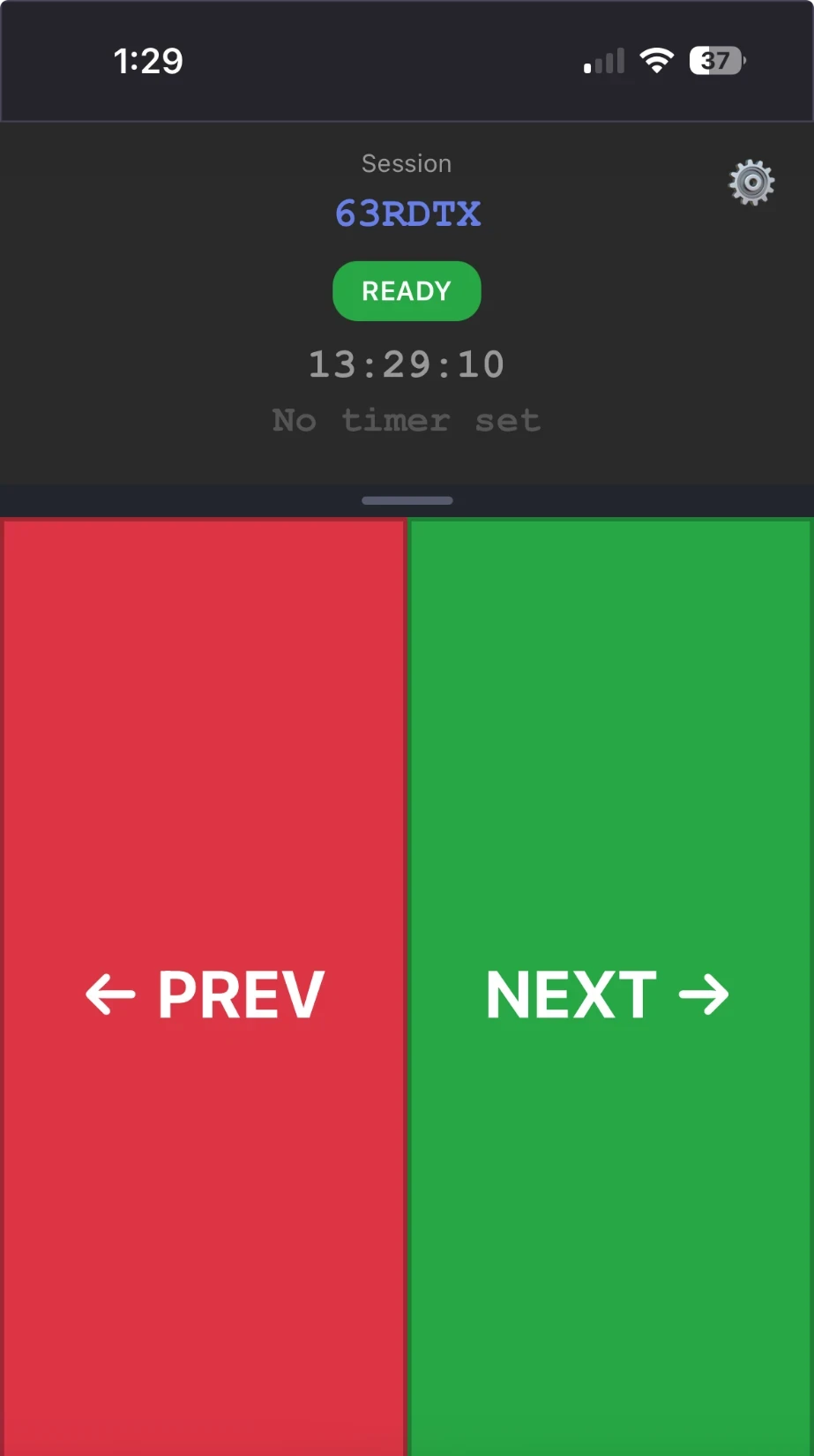
Big next and previous buttons that work on any phone or desktop browser. Wake-lock keeps the screen on for the whole talk.
Notes read live from PowerPoint or Keynote, or typed by the producer, show on every presenter's phone.
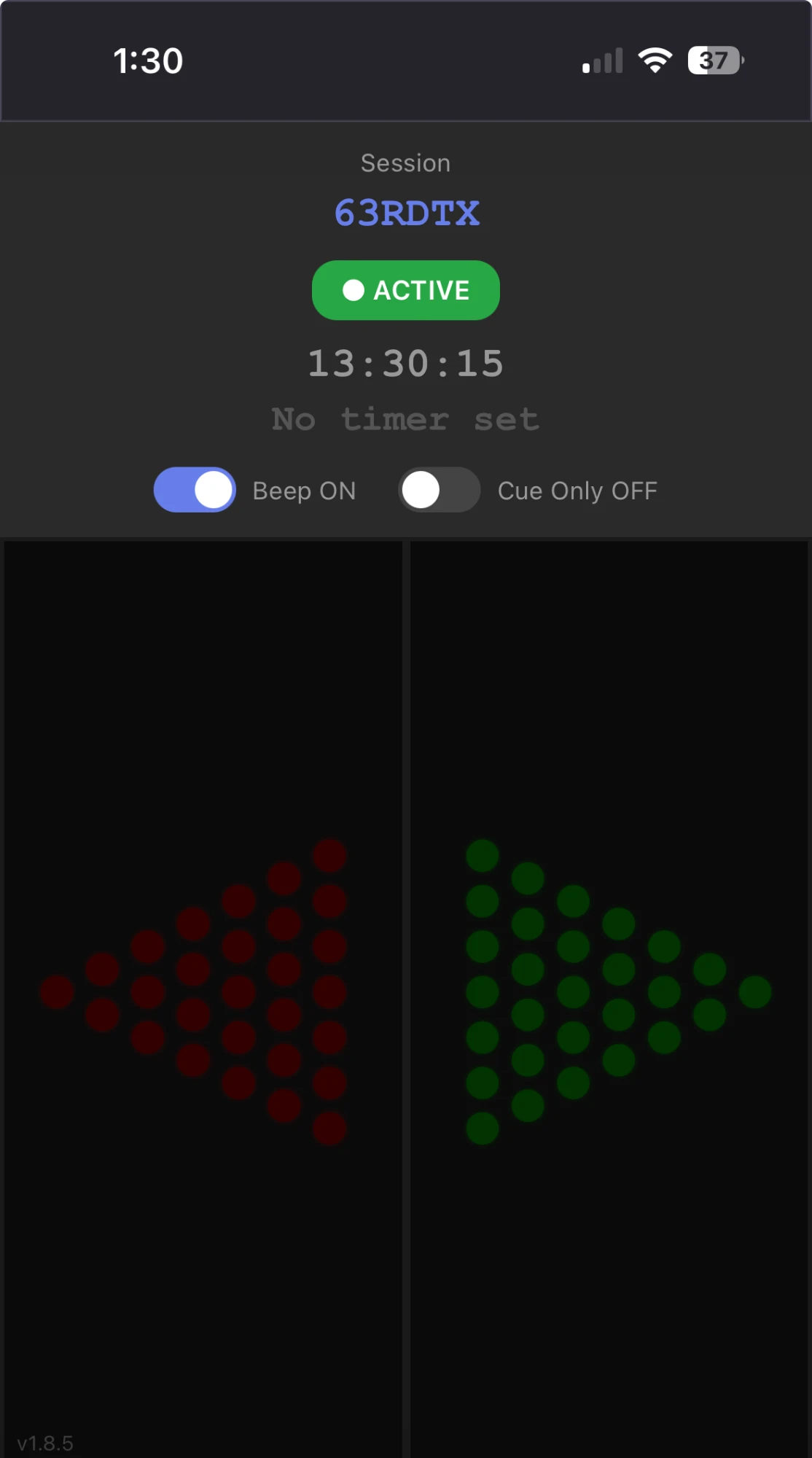
The show machine casts the slide screen to presenters' phones so you always know what the audience sees.
Create sessions with join codes, lock or unlock clicking, run a countdown timer and message the speaker mid-show.
A standalone app for Windows, macOS and Linux that brings your deck forward and injects the arrow keys. No Node.js needed.
Session codes are cryptographically random and every privileged action needs a role-specific token, so it is safe to run on the open web.
Open the producer page, click Create Session and share the six-character code with the team.
On the computer driving the deck, run the desktop app, enter the code and pick PowerPoint, Keynote or any window.
Open the clicker link, type the code, and press NEXT. The slide advances on stage within a blink.
An account lets you save sessions, keep speaker notes between shows and manage who can click. Presenters joining with a code never need one.
Builds for all three platforms are waiting in your account. Sign in to download and install on the computer that runs your slides.